Here’s a fun exercise. Compare the sales in your shop or affiliate network with the conversions your ad platform reports.
If they match, you can stop reading. Congratulations, you’re the first.
For everyone else: the gap is mostly tracking, not performance. And the fix is server-side tracking. Here it is in plain words.
Last checked on 10 November 2026.
Why your pixel misses sales
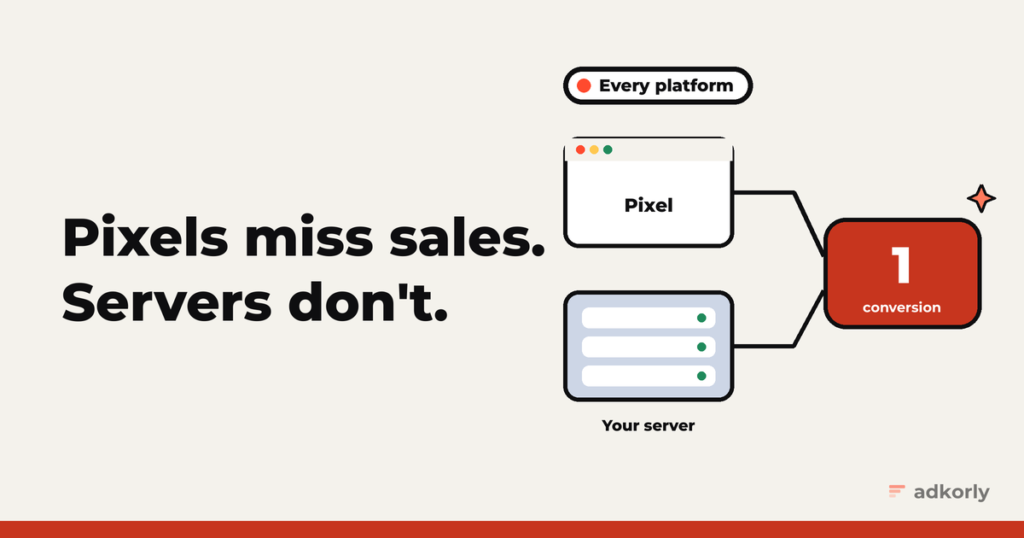
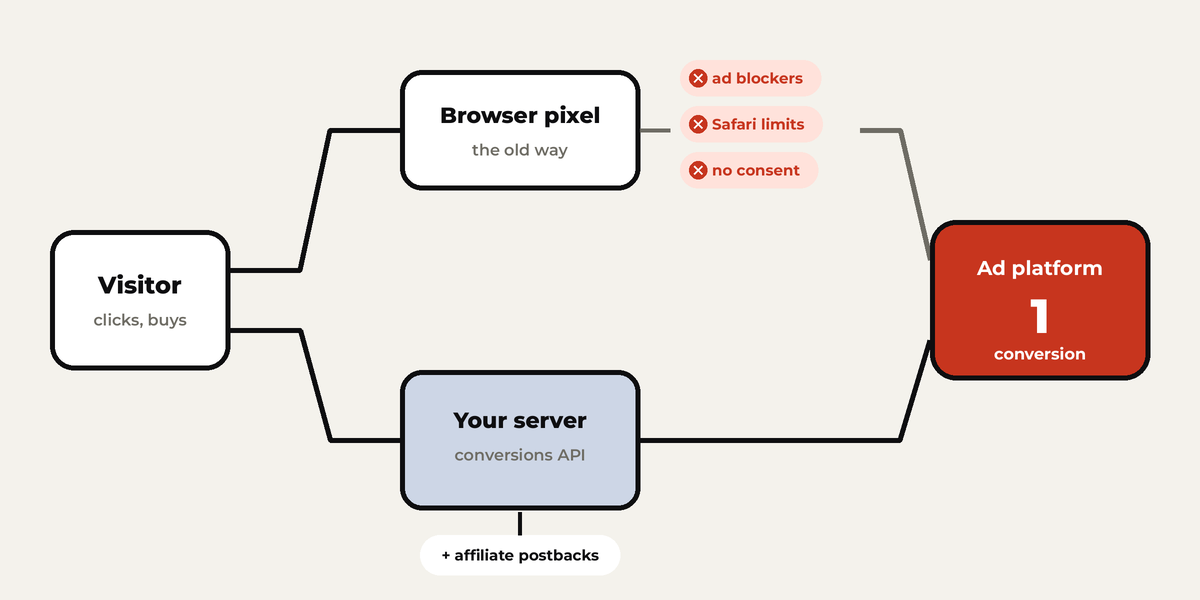
A pixel is a bit of JavaScript in the visitor’s browser. Every time something stands between that browser and the ad platform, you lose a conversion:
- Ad blockers. In a January 2024 YouGov survey, 45% of US consumers said they’d installed or used one.
- Safari. Cookies set by JavaScript last 7 days at most, and only 1 day when the visitor arrived from a tracking link. Someone who clicks today and buys next week is a stranger by then.
- Cookie banners. In the EU, no consent means no pixel. As it should be.
- The checkout isn’t yours. For affiliates the sale happens on the merchant’s site, where your pixel never was.
Every lost conversion makes the algorithm a little dumber. It optimizes for the people it can see, not the people who actually buy.
The four things people call “server-side tracking”
- Browser pixel. JavaScript in the browser. The old way, still useful.
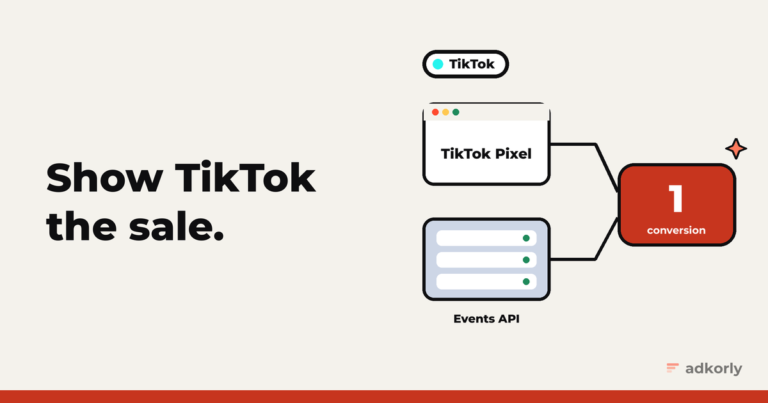
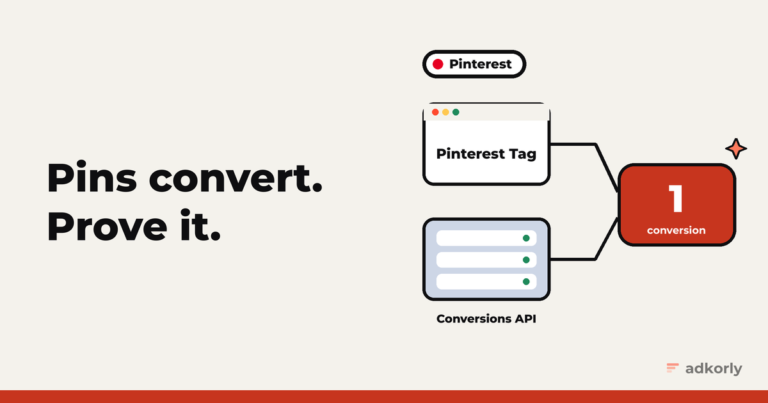
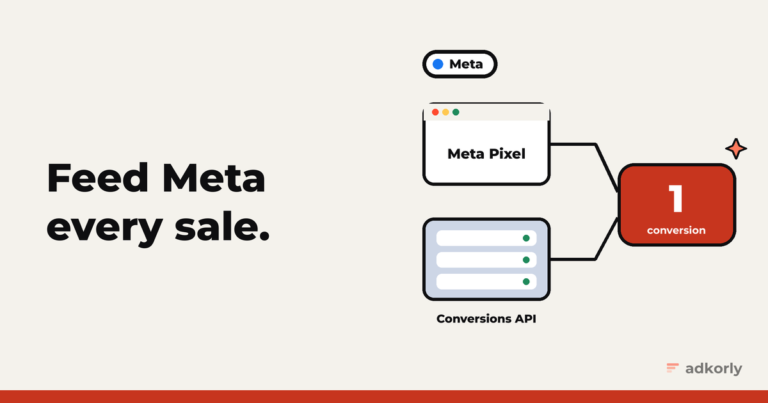
- Conversions API. Your server sends the event straight to the ad platform’s server. Every big platform has one now, under slightly different names.
- Server-side tagging. A tag manager running on your own server (server-side Google Tag Manager is the well-known one). Your site sends one stream of data there, and it forwards to each platform.
- Postbacks (S2S). The affiliate classic. A click ID travels in the URL, the merchant’s system stores it, and when someone converts, a server calls your server with that click ID. It never touches the browser.
The setup that works today: pixel plus conversions API, with deduplication. If you’re an affiliate, add postbacks into the API. Server-side tagging is how you run it all without coding each platform separately.
Deduplication: the part everyone gets wrong
When both the pixel and your server report the same purchase, the platform needs to know it’s one purchase. Every platform solves it the same way: send the same ID from both sides.
| Platform | Click ID to save | Browser field | Server field | Window |
|---|---|---|---|---|
| Meta | fbclid | eventID | event_id | 48 hours |
| Google Ads | gclid, gbraid, wbraid | transaction_id | transaction ID | per conversion action |
| TikTok | ttclid | event_id | event_id | 48 hours |
| Snapchat | ScCid | client_dedup_id | event_id | 48 hours |
epik | event_id | event_id | 48 hours | |
li_fat_id | event_id | eventId | not stated |
Forget the ID on the browser side and the platform counts everything twice. Your reports look amazing. Your bank account doesn’t.
What to send with every server event
The platform has to connect your event to one of its users. Give it as many clues as you can:
- Hashed email and phone, normalized first (lowercase, trimmed, phone with country code), then SHA-256.
- IP address and user agent, not hashed.
- The click ID you saved on landing.
- The platform’s browser cookie, if you have it (
_fbp,_ttp,_scid,_epik).
Most platforms score this for you: Event Match Quality on Meta, EMQ on TikTok, Event Quality Score on Pinterest. Check the score once a week.
Affiliates: the one setup that matters most
Your sale happens three domains away. So:
- Save the click ID on your landing page.
- Pass it to the network as a sub ID.
- The network’s postback hits your server when someone converts.
- Your server sends the conversion to the platform’s API, with the click ID and the payout as value.
That’s it. It’s the difference between “Snapchat doesn’t convert” and a campaign that scales.
Server-side tagging, briefly
Server-side Google Tag Manager runs on Google Cloud Run (or a host like Stape). Google recommends at least two instances at about $45 a month each, so budget around $90 a month to start.
Put it on your own domain, like data.yoursite.com or yoursite.com/metrics. Google strongly recommends this, because cookies set from your own domain last longer.
One thing server-side tracking is not
It’s not a way around consent. In the EU, if someone says no, you don’t track them, from the browser or from your server. Google’s server-side tags pass along the consent signals from the page for exactly this reason.
Server-side tracking gets you the conversions you’re allowed to have but were losing. That’s plenty.
The setup guides, platform by platform
- Meta Pixel and Conversions API
- Google Ads: the tag, enhanced conversions and offline imports
- TikTok Pixel and Events API
- Snapchat Pixel and Conversions API
- Pinterest Tag and Conversions API
- LinkedIn Insight Tag and Conversions API
And on WordPress, full disclosure: I built Straycy, which sends server-side conversions to Meta, Google, Snap and Reddit from one plugin.
How big is the gap between your real sales and what your ad platform reports? 10%? 40%? Tell me, I won’t judge. Much.
Cheers,
Johannes